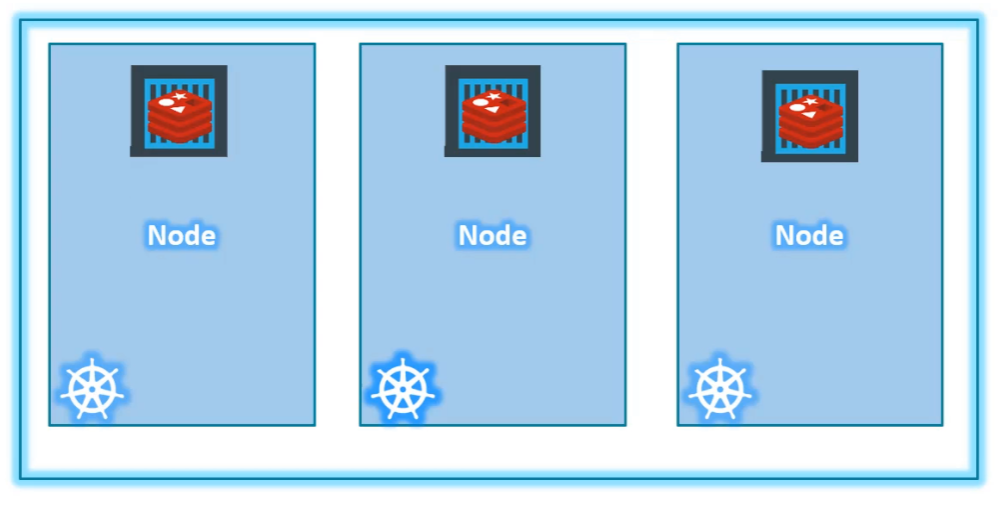
Node is a worker machine. It was known as minions in the past.
When you wrap a set of node to work as a unit that is called cluster.
This way, even if one node fails, you have your application still accessible from the other nodes. Moreover, having multiple nodes helps in sharing load as well.
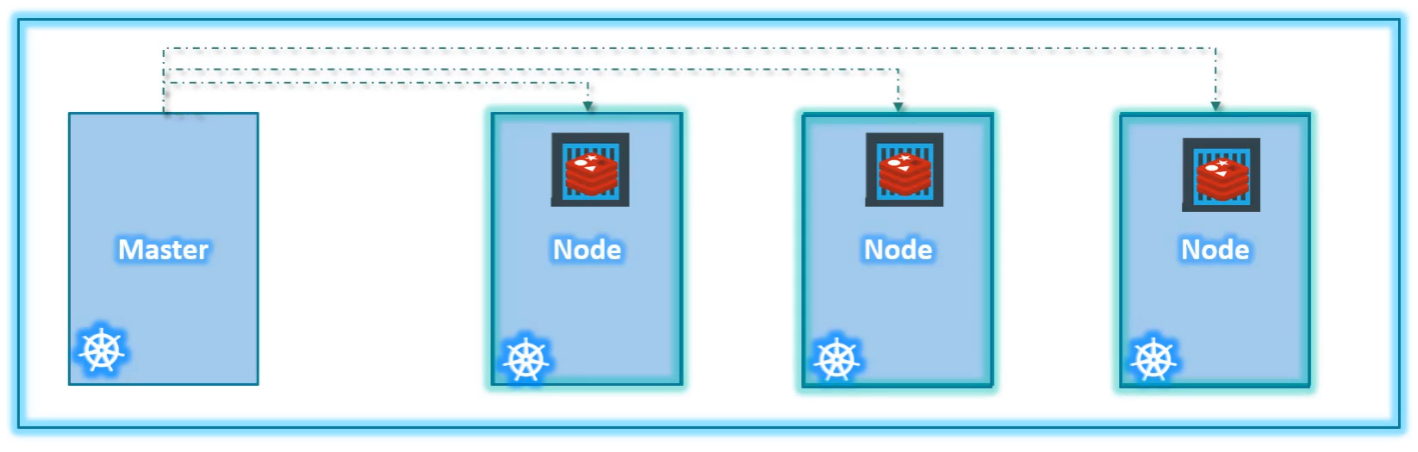
Now we have a cluster, but who is responsible for managing the cluster?
- Where is the information about members of the cluster stored?
- How are the nodes monitored?
- When a node fails, how do you move the workload of the failed node to another worker node?
That’s where the master comes in.
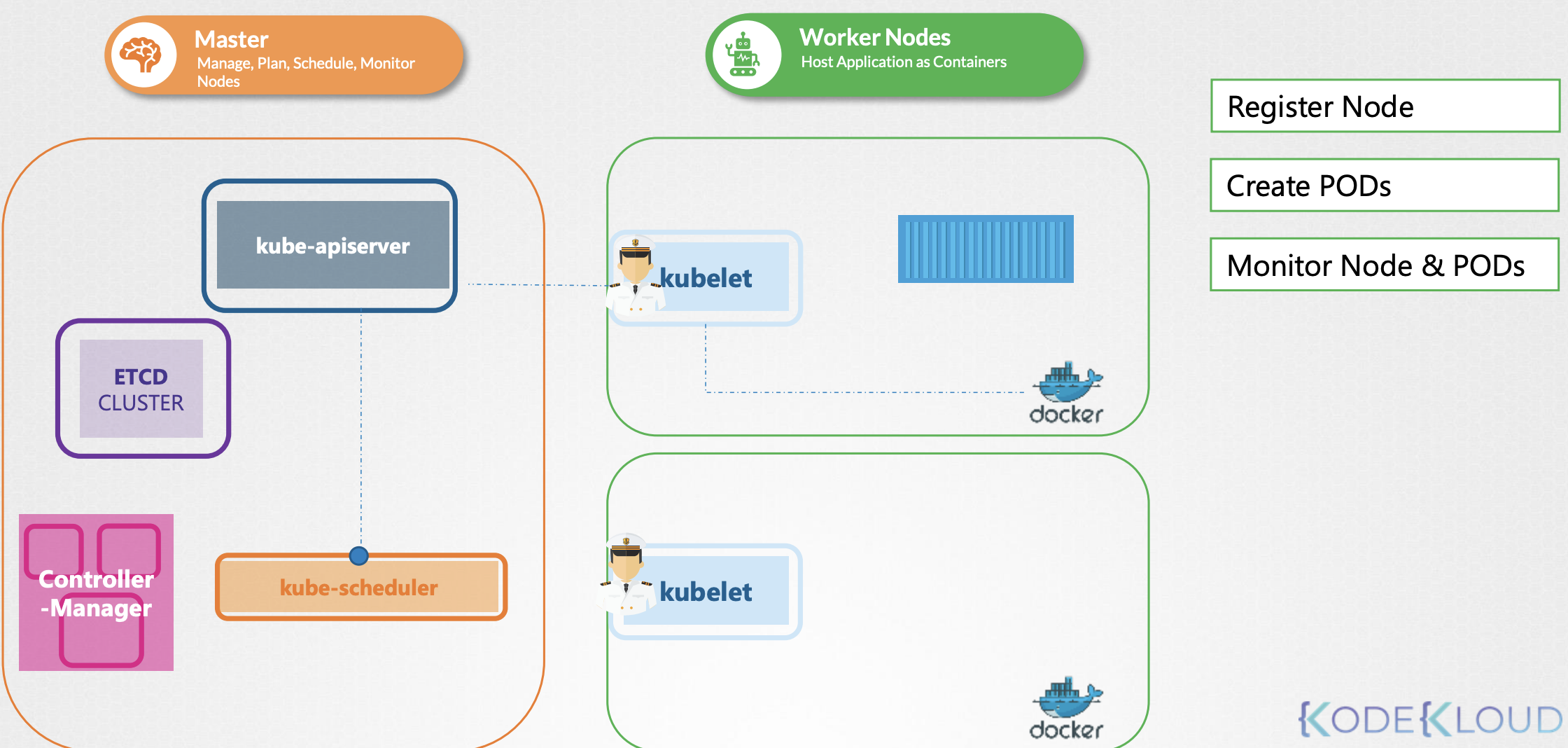
Kubelet
Kubelet is the sole point of contact for the Kubernetes cluster
Installing
Kubeadm does not deploy kubelet by default. You must manually download and install it
Download the kubelet binary from the Kubernetes release pages kubelet. For example: To download kubelet v1.13.0, Run the below command. Extract it and run it as a service.
$ wget https://storage.googleapis.com/Kubernetes-release/release/v1.13.0/bin/linux/amd64/kubelet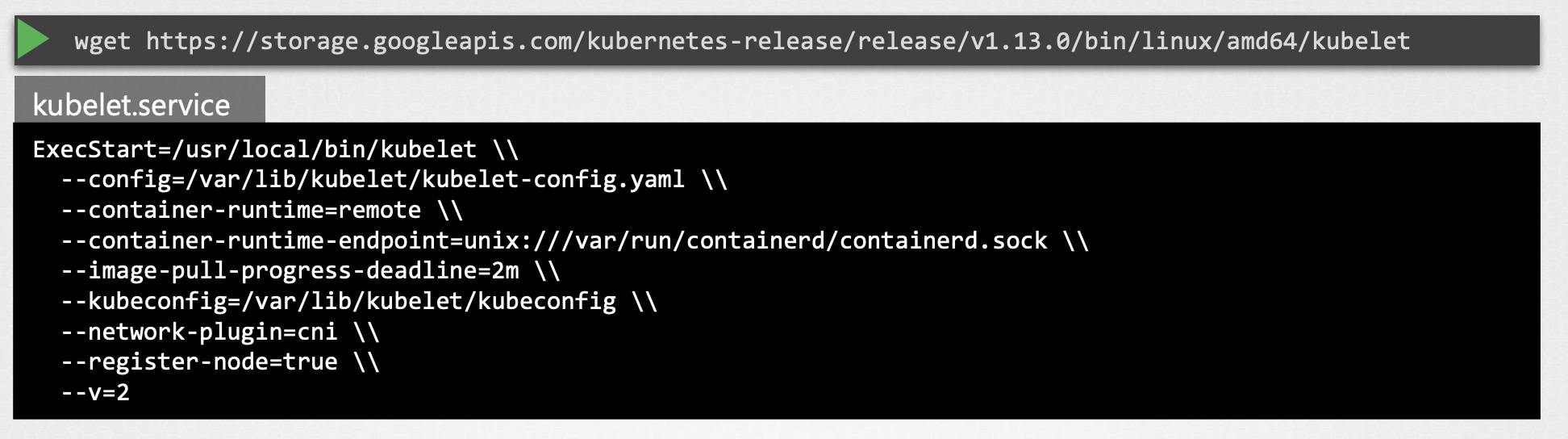
View kubelet options
You can also see the running process and affective options by listing the process on worker node and searching for kubelet.
$ ps -aux |grep kubelet
Kube Proxy
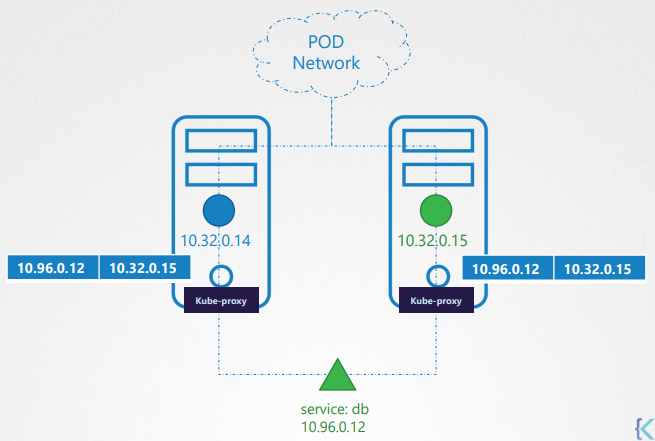
Within Kubernetes Cluster, every pod can reach every other pod, this is accomplish by deploying a pod networking cluster to the cluster. Kube-Proxy is a process that runs on each node in the Kubernetes cluster. It runs on each node and it’s job is too look for new services and create IP table rules to forward the appropriate traffic.
Install
[manual]
Download the kube-proxy binary from the Kubernetes release pages kube-proxy. For example: To download kube-proxy v1.13.0, Run the below command. Extract it and run it as a service.
$ wget https://storage.googleapis.com/Kubernetes-release/release/v1.13.0/bin/linux/amd64/kube-proxy
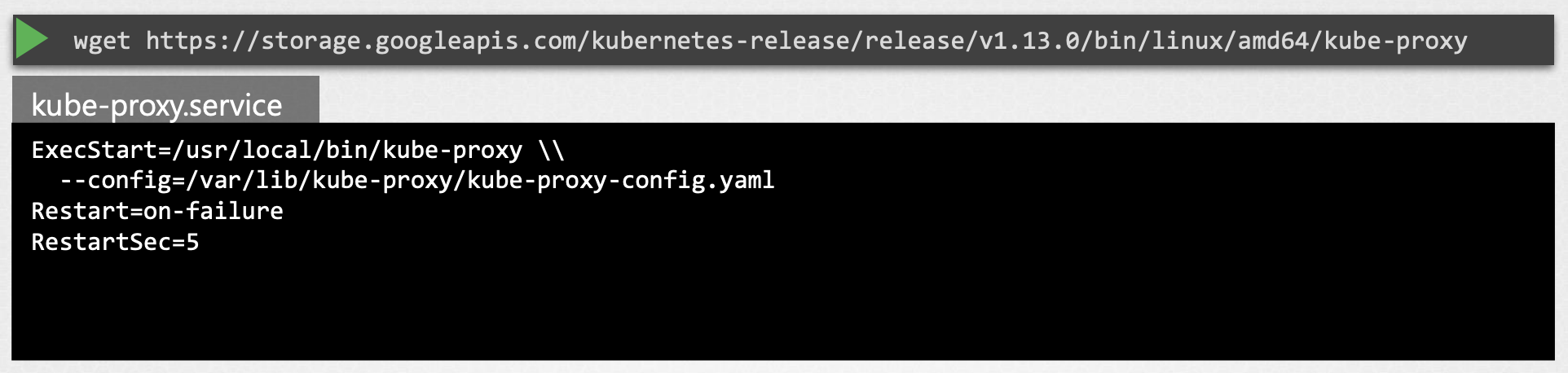
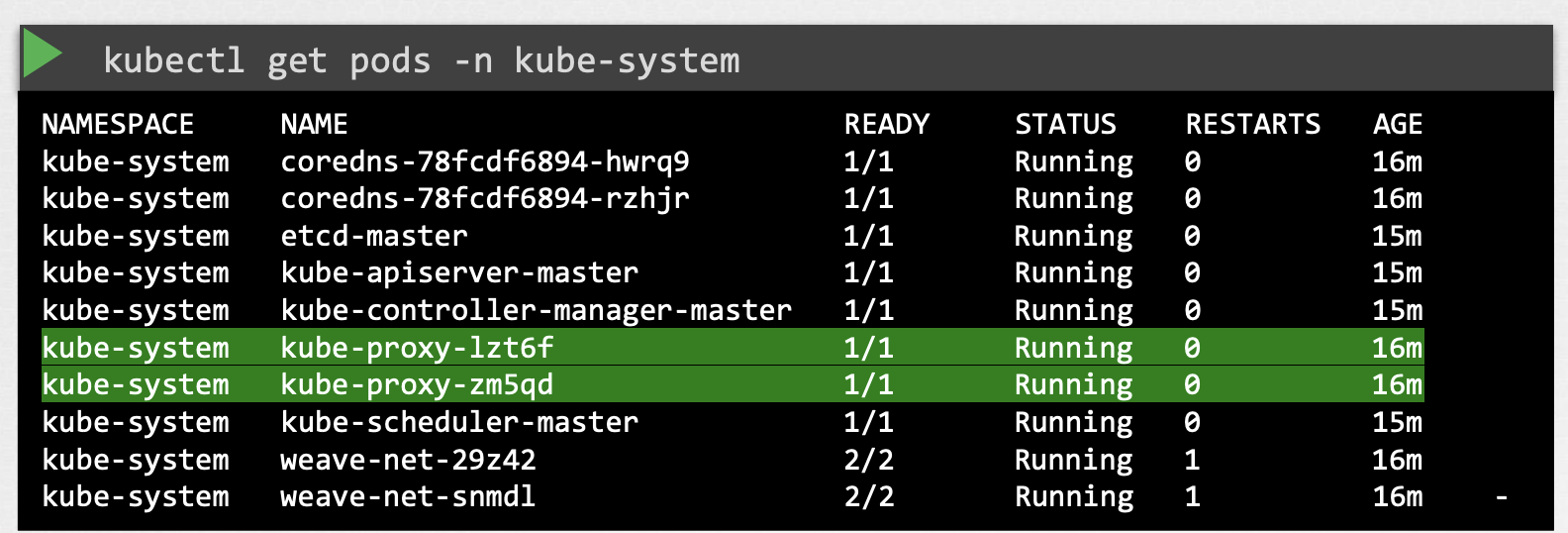
If you set it up with kubeadm tool, kubeadm tool will deploy the kube-proxy as pod in kube-system namespace. In fact it is deployed as a daemonset on master node.
$ kubectl get pods -n kube-system