Labels
A label is a key-value pair that provides additional information about Kubernetes resources. Labels are set in resources like Deployments and Services, and they use selectors to connect to related resources.
Administrators can manually set labels to facilitate resource management and selection
To find all resources matching a specific label, use
--selector key=value
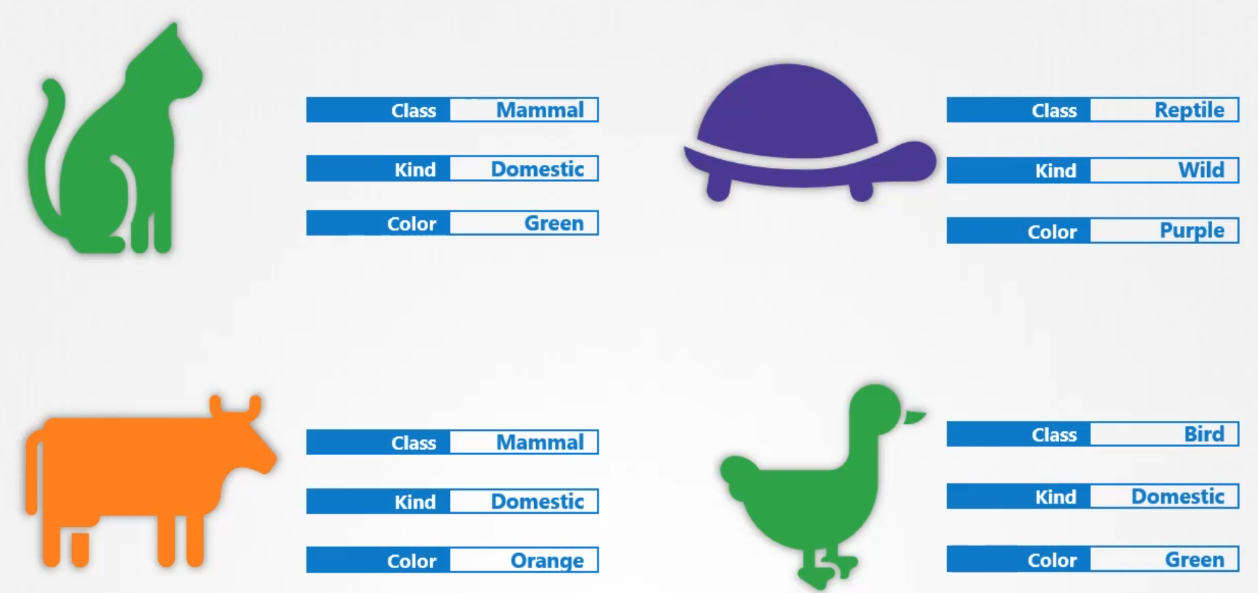
Selectors
Selectors help you filter these items. For example, when you say class equals mammal, we get a list of mammals, and when you say colour equals green, we get the green mammals. 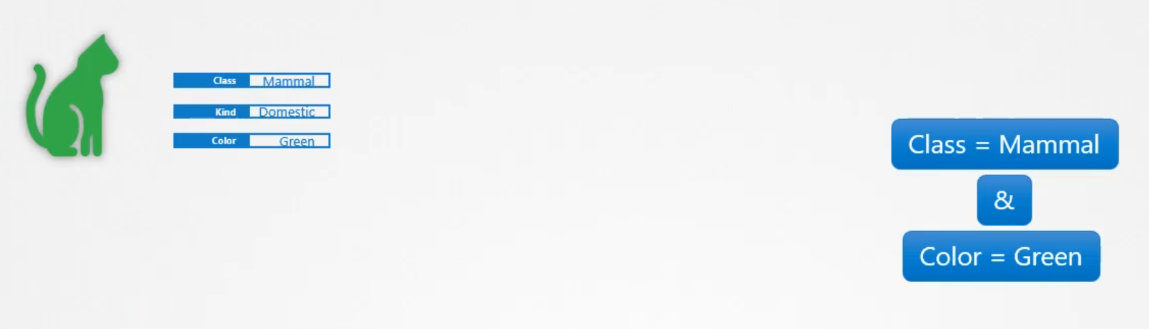
Auto-created Labels
- Deployments created with
kubectl createautomatically get a labelapp=appname - Pods started with
kubectl runautomatically get a labelrun=podname
How do you specify labels?
We can specify labels in the metadata
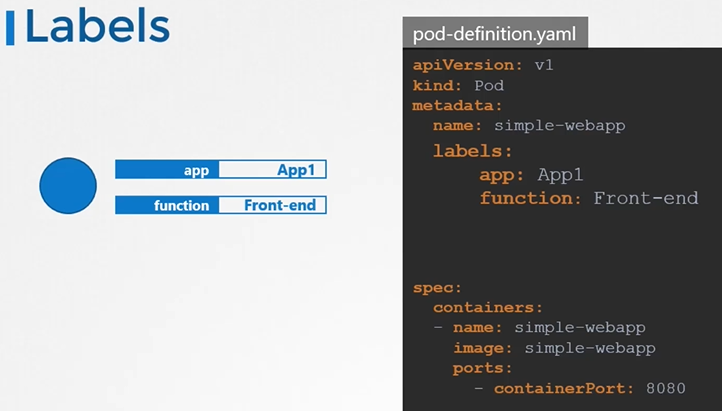
apiVersion: v1
kind: Pod
metadata:
name: simple-webapp
labels:
  app: App1
  function: Front-end
spec:
containers:
- name: simple-webapp
  image: simple-webapp
  ports:
  - containerPort: 8080
Once the pod is created, to select the pod with labels run the below command
$ kubectl get pods --selector app=App1How K8s leverages labels
- A Deployment finds its Pods using a selector.
- A Service locates its endpoint Pods using a selector.
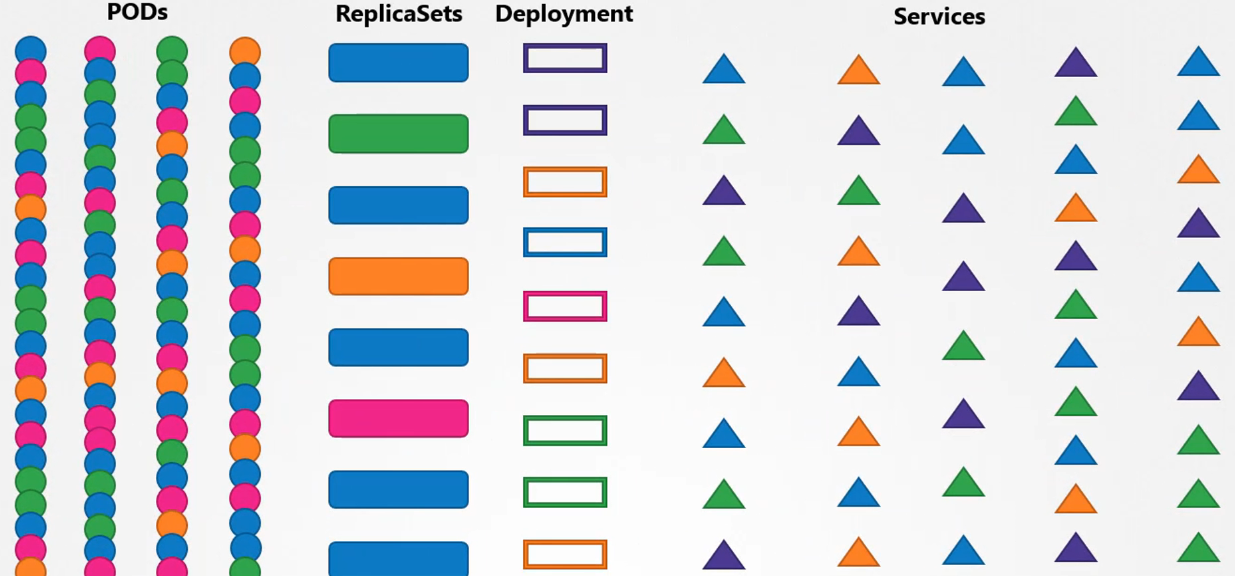
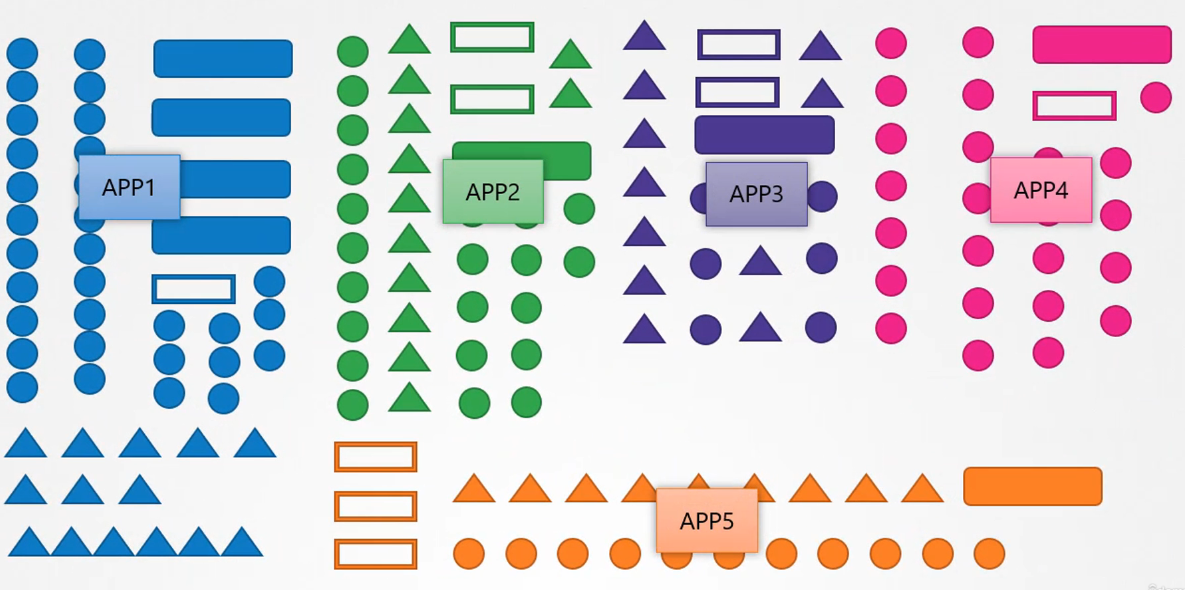
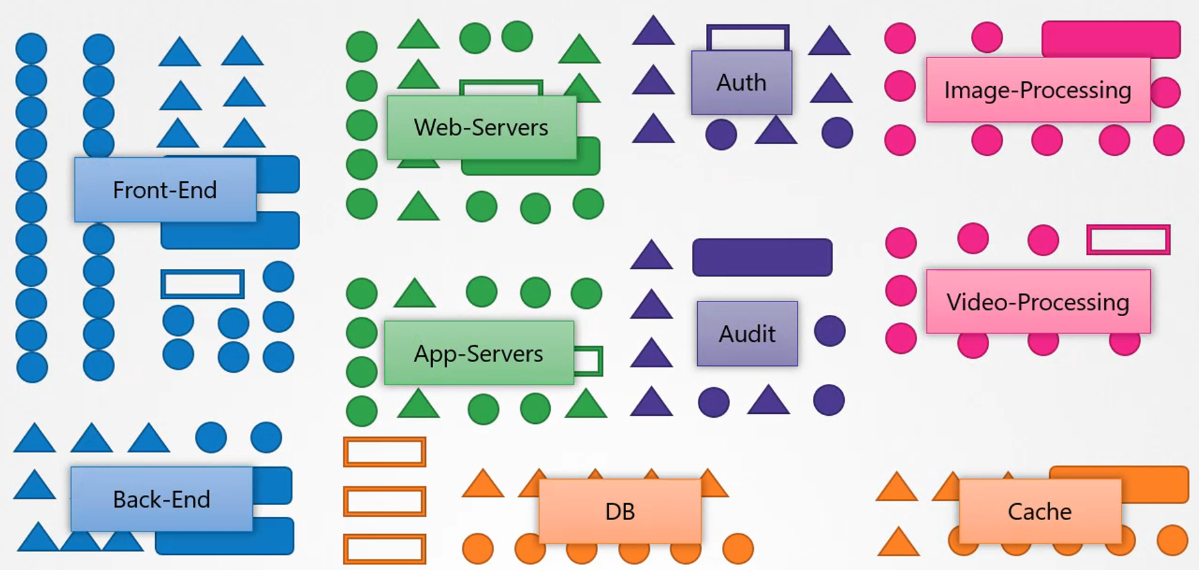
In Kubernetes, everything you create is an object. You can add labels to these objects, which lets you organize and list them by type, app, or function.
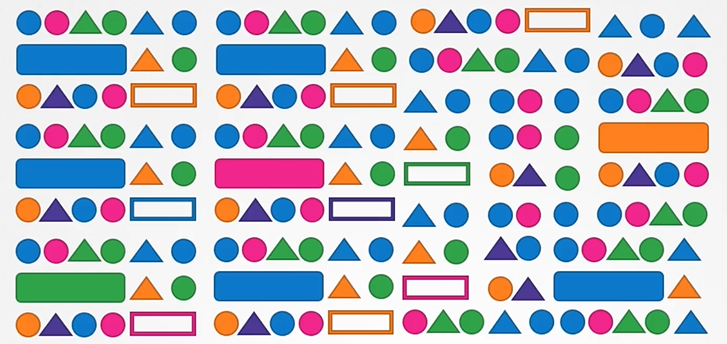
Selecting objects by their type:
 Selecting objects by their APP name:
 Selecting objects by their functionality:
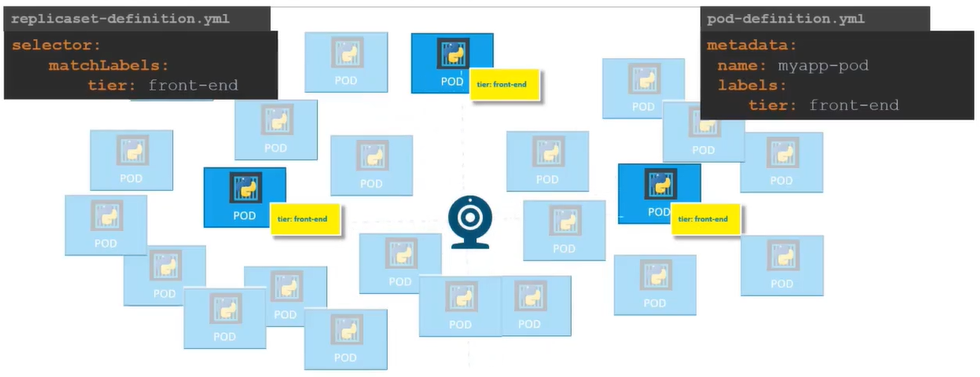
ReplicaSet label
- The
ReplicaSetlabel for itself - The selector
ReplicaSetuses to perform the discovery - The pod label that
ReplicaSetselector will target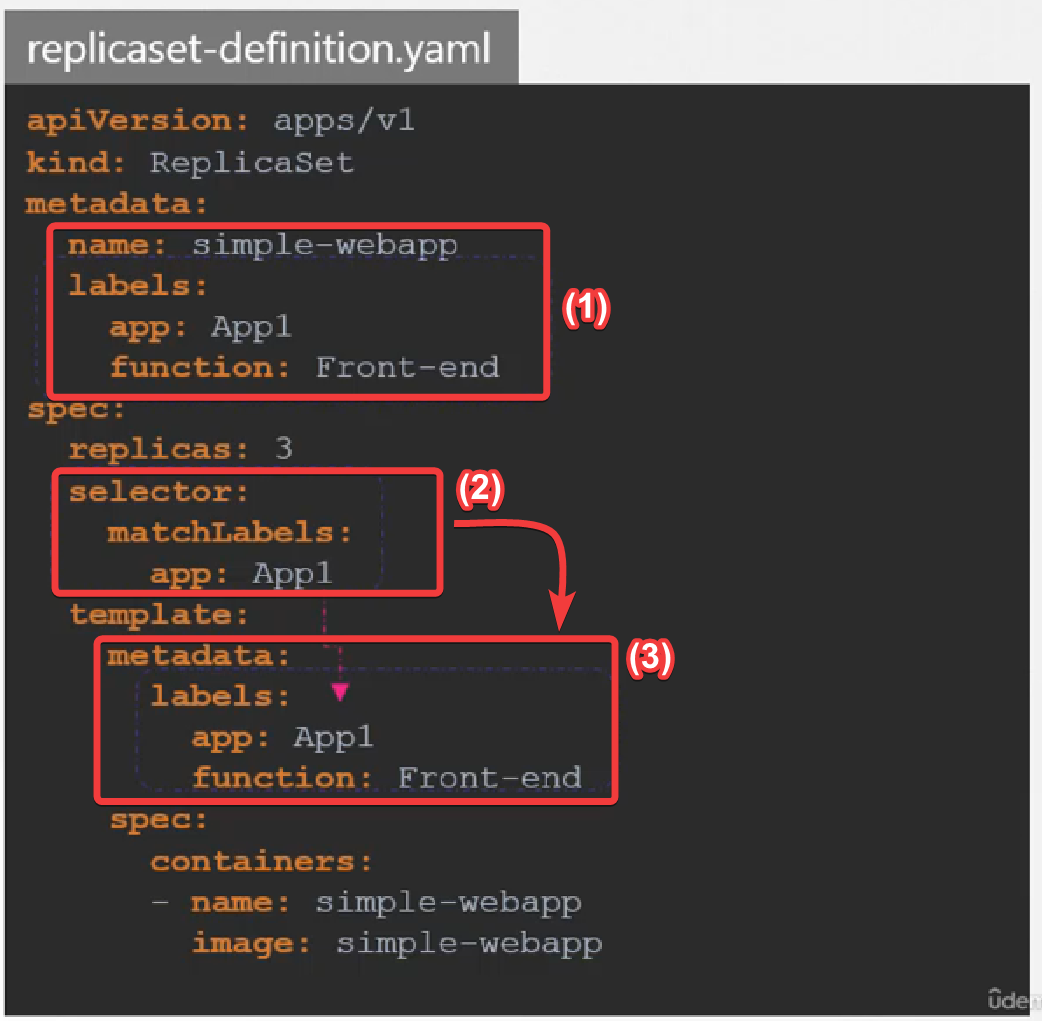
Scenario: if we created 3 instance of our front-end application separately, but we still want to ensure that there will be 3 instances of them running we can still use the replica set to ensure the replication factor remains the same. Basically, it doesn’t matter if the replica’s are created separately or by the replica set it self. It can monitor them and keep them up and running.
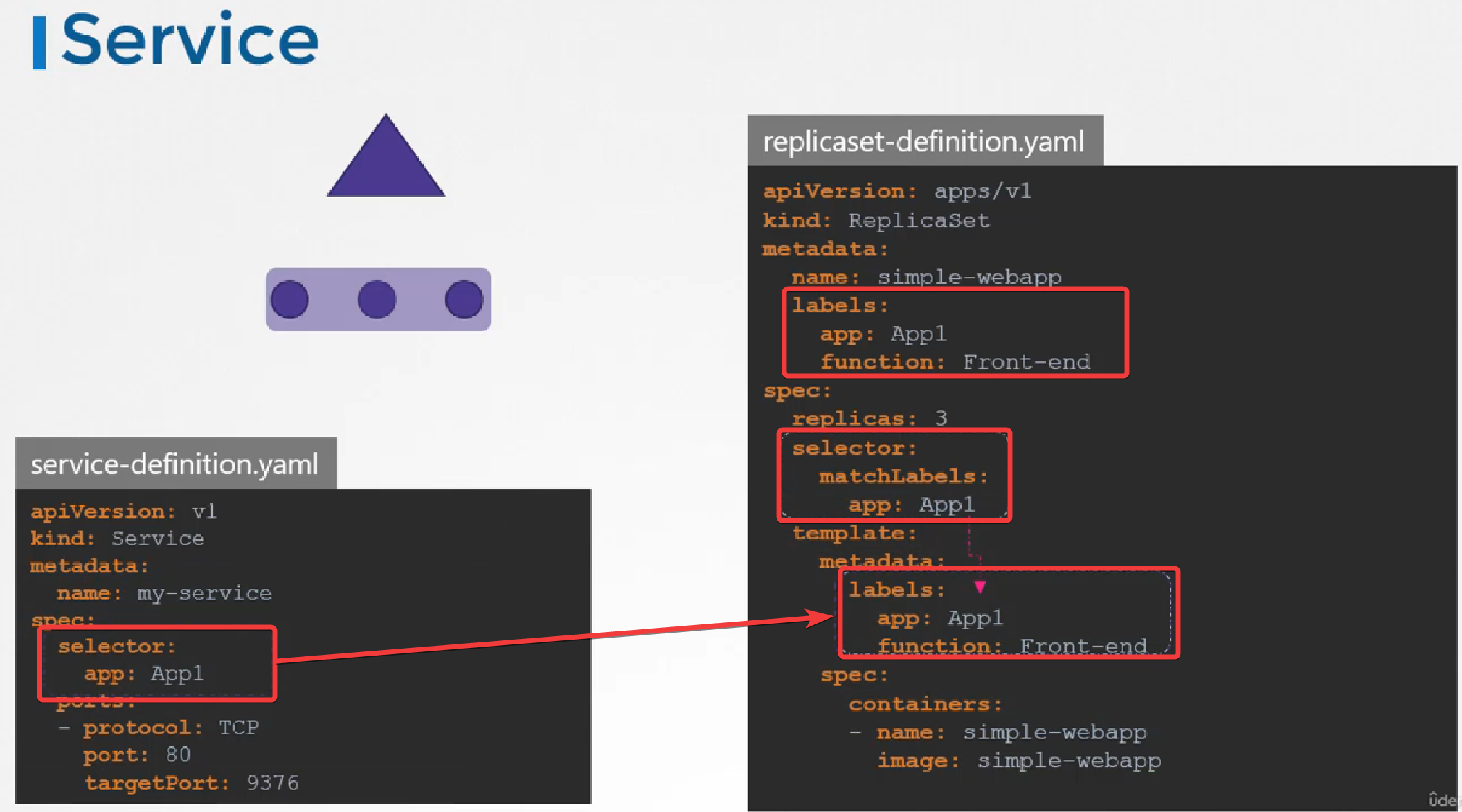
Service label
ReplicaSet and Service both will use the pod labels to select/target to manage the pods.
Annotations
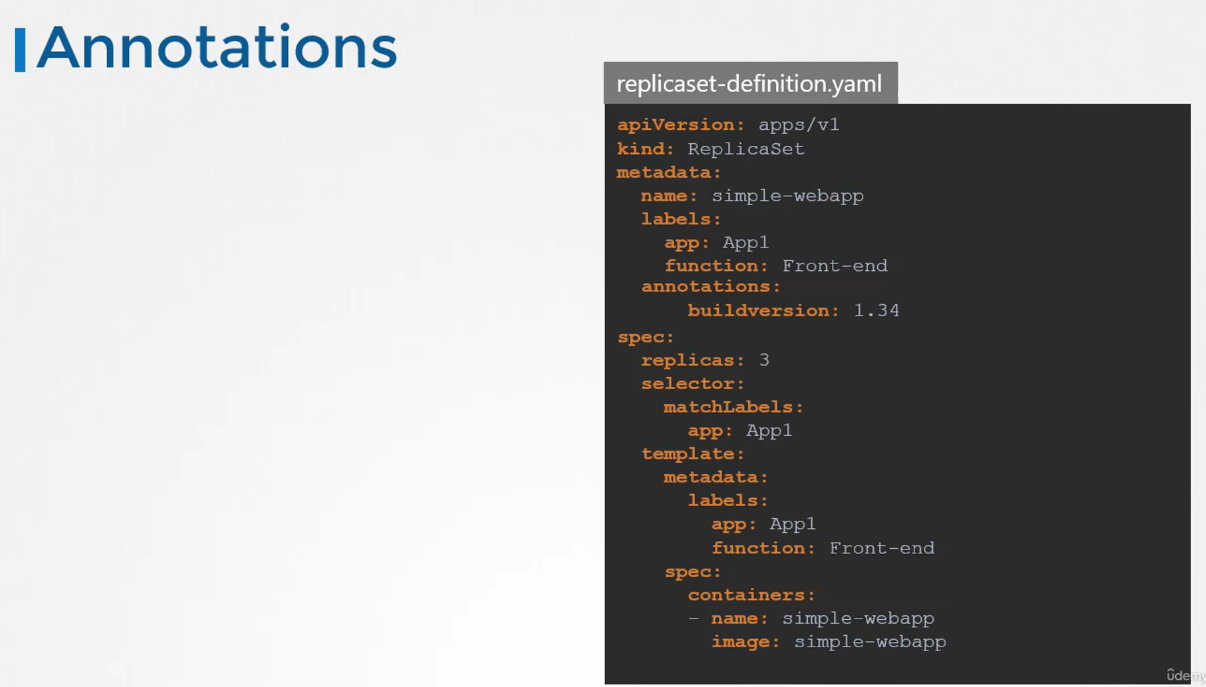 Annotations were originally used to provide detailed metadata in an object. Annotations can not be used in queries. Think of information about licenses, maintainer, and more.
Recently introduced resources may use annotations to provide additional functional information about the resources.
While labels and selectors are used to group objects, annotations are used to record other details for informative purpose.
apiVersion: apps/v1
kind: ReplicaSet
metadata:
  name: simple-webapp
  labels:
    app: App1
    function: Front-end
  annotations:
    buildversion: 1.34
spec:
  replicas: 3
  selector:
    matchLabels:
      app: App1
template:
  metadata:
    labels:
      app: App1
      function: Front-end
  spec:
    containers:
      - name: simple-webapp
        image: simple-webapp
$ kubectl get all --show-labels